AI-assisted tools can help clients and teams create early product versions faster, but a working prototype is not always ready for real users. Quality validation helps check whether the product is functional, usable, secure, stable, and ready before launch.
This is a positive shift. It gives people more control over their ideas and allows them to test concepts faster. But a working prototype is still not the same as a product that is ready for real users.
A product may look ready because the main flow works. The page opens, the button responds, and the form submits. But real product quality depends on how the system behaves beyond the happy path. It needs to handle validation, user roles, errors, data access, responsiveness, security, and unexpected user actions.
That is where quality validation becomes important. It helps check whether the product is functional, usable, secure, and stable enough before it reaches real users.
When the Client Becomes the Initial Builder
In this new workflow, the client is not only the product owner. The client may also become the initial builder using AI-assisted tools. They may create screens, forms, dashboards, user journeys, and basic product logic themselves.
This gives the client speed in the early stage. It helps turn an idea into a visible product quickly, without waiting for a long traditional development cycle.
However, when a product is built quickly by someone without a technical background, some important engineering and security details can be missed. The product may look functional during a demo, but still have hidden risks in access control, database rules, validation, and application security.
For example, an admin console may be visible to normal users. Row-level security may not be configured correctly. Users may access records that do not belong to them. Forms may not be protected against invalid or unsafe inputs. Sensitive API keys may be exposed. Database actions may run without proper permission checks.
These issues are not always visible from the UI. The main flow may still work, but the product may not be safe or stable enough for wider use.
A first version proves that the idea can be built. Quality validation helps check whether it can be used reliably, securely, and consistently.
What Quality Validation Checks
Quality validation is not just about clicking through the product. It checks the product from functional, usability, technical, security, and regression perspectives.
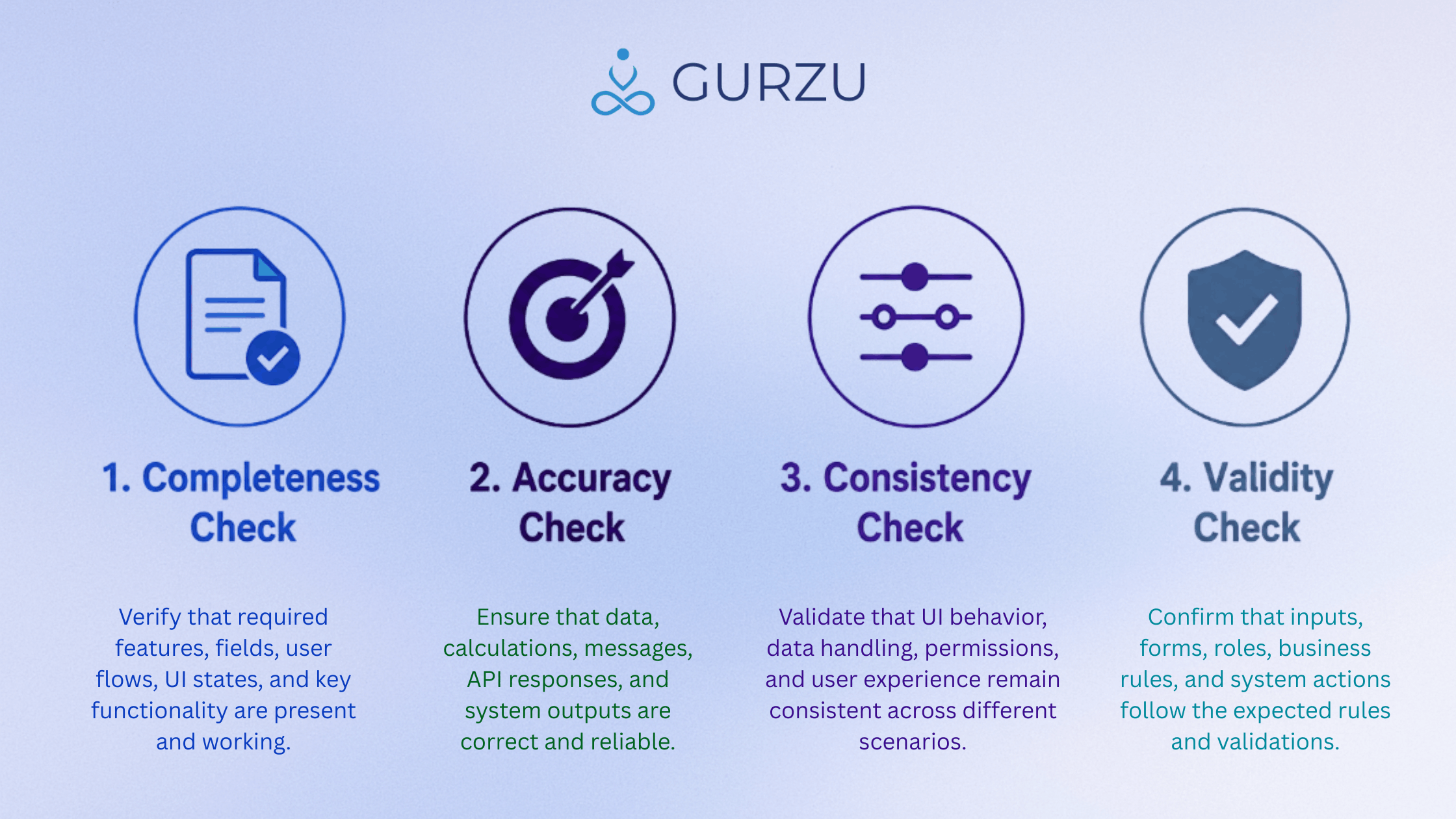
For example, if a client builds a booking app in two or three days, the main flow may work. A user can select a service, choose a date, enter details, and submit the booking. But before release, the product still needs to be checked for empty fields, past date selection, duplicate booking, API failure handling, mobile responsiveness, saved data accuracy, and confirmation messages.
If the product has an admin dashboard, validation should confirm that only admin users can access it. If the product stores user-specific data, row-level access should be checked so users can only view and update their own records. If the product has forms, inputs should be validated properly to reduce invalid data and security risks.
This is also where software testing metrics and QA automation services can add value. Manual testing helps review usability, edge cases, and user experience. QA automation helps cover repeated checks such as login, form submission, role-based access, API validation, and regression testing.
A balanced approach works best. New or changing features should be tested manually first, while stable and repeated flows can be added to an automation suite using tools like Cypress, Playwright, or Appium depending on the product type.
In short, quality validation helps move the product from “it works” to “it’s tested, safer, stable, and ready for real users.”
Two Flexible Support Models
Once the first version is built, clients usually need support in one of two ways.
The first option is Quality Validation with Developer Support. In this model, the product is tested, issues are identified, and developers help fix the technical gaps. This is useful when the product is close to launch or includes APIs, user accounts, roles, file uploads, payments, sensitive data, or complex workflows.
Developer support may include fixing access control issues, improving database rules, adding missing validations, cleaning up UI behavior, improving API error handling, resolving responsive design issues, or stabilizing broken flows.
The second option is Quality Validation Only. In this model, the product is tested and clear issue reports are provided, while the client fixes the issues using their own AI-assisted workflow. This can work well for early prototypes, small early product versions, or clients who want an independent quality review before improving the product themselves.
Both models are useful. The right choice depends on the product stage, complexity, budget, and launch expectation.
How Long Should Quality Testing Take?
A common question is: if the product was built in two or three days, should testing also take only a few hours?
The answer depends on complexity.
A simple landing page may need a few hours of review. A small feature may need around one day. A functional early product version with login, forms, dashboards, APIs, or user roles may need two to three days. Products with payments, file uploads, sensitive data, third-party integrations, or complex workflows may need a longer validation cycle.
Testing should be practical, but it should not be skipped. Users do not judge a product by how fast it was built. They judge it by how smoothly and reliably it works.
Even fast-built products require time for bug discovery, validation, retesting, and resolution as part of the software bug life cycle before launch readiness can be confirmed.
For fast-built products, the best approach is focused testing. This means checking the most important user flows first, then validating risk areas such as permissions, data handling, API behavior, form validation, UI consistency, and regression impact.
If the product will continue to change frequently, QA automation can also support faster future testing. Automated regression tests can help confirm that important flows still work after new updates, while manual testing can continue to cover new features, UX quality, and exploratory scenarios.
For a practical example, read this case study: From 0 to 100% Test Automation in Six Months
Why Validation Before Launch Matters?
When a fast-built product goes directly to production without proper validation, early feedback may focus more on technical issues than the actual product idea. Missing validations, unclear messages, broken layouts, incorrect permissions, exposed admin access, or failed submissions can reduce user confidence and make product learning less accurate.
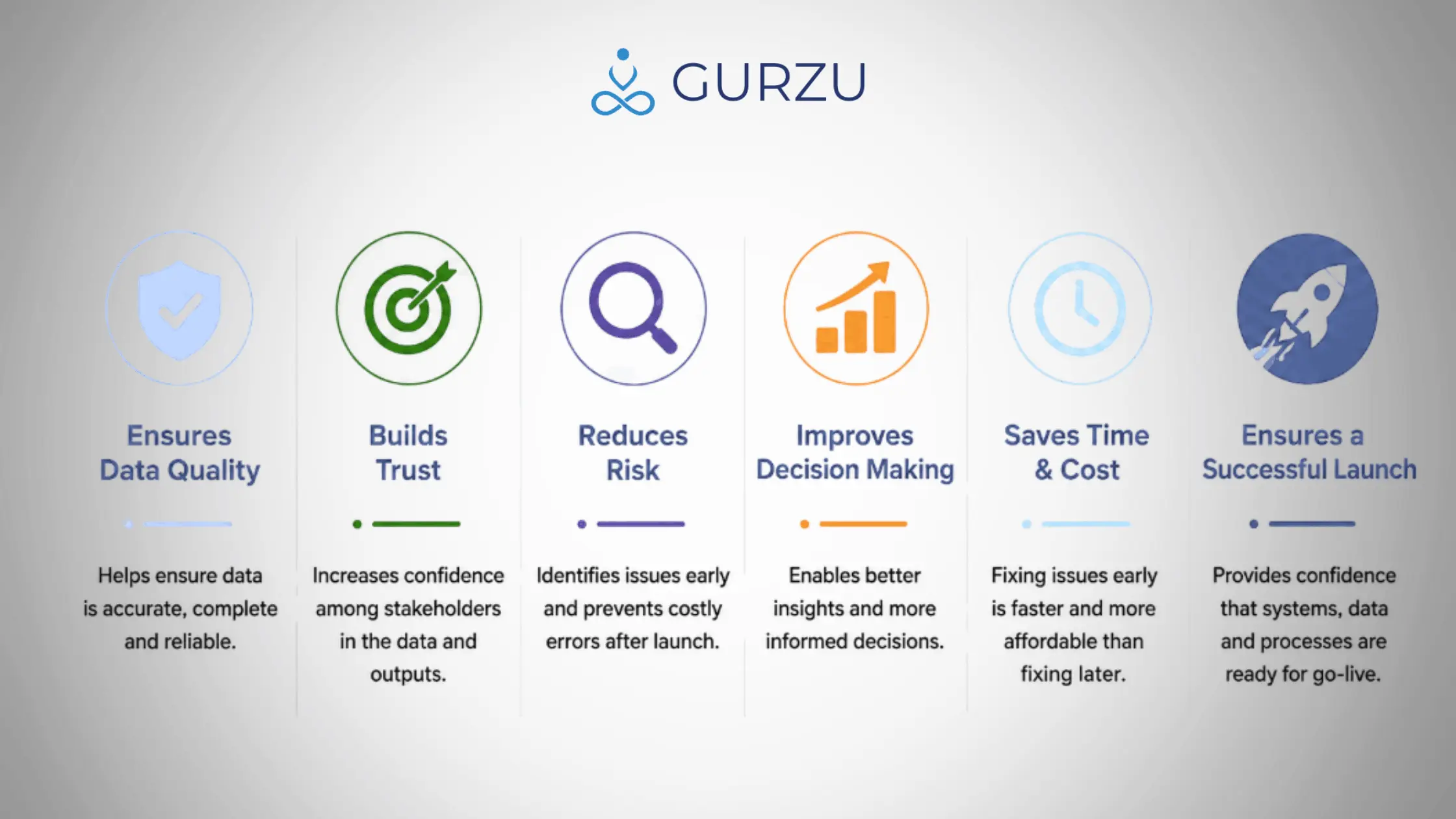
Quality validation helps separate product potential from implementation gaps. It shows what is working, what needs improvement, and what should be stabilized before wider use.
This is especially important for early product versions. If users face avoidable technical problems during their first experience, it becomes harder to understand whether the issue is with the product idea or the product implementation.
A proper quality process gives the product a better chance to improve based on real user feedback. It also creates a clearer path for future QA automation, regression testing, and release readiness as the product grows.
Quality Does Not Mean Bug-Free
No software can be guaranteed to be completely bug-free. The goal of quality validation is not perfection. The goal is risk reduction.
A strong quality process checks core workflows, edge cases, usability, UI consistency, responsiveness, permissions, API behavior, security risks, and regression impact. It helps identify critical issues early and gives the team more confidence before launch.
A better goal than “bug-free” is:
Stable enough to launch, clear enough to use, and structured enough to improve.
AI-assisted development helps people build faster. Quality validation helps make those fast-built products more reliable, usable, and release-ready.
Whether a client chooses Quality Validation Only or Quality Validation with Developer Support, the purpose is the same: to reduce release risk and improve product confidence.
Fast development creates momentum. Quality validation turns that momentum into a product users can trust.